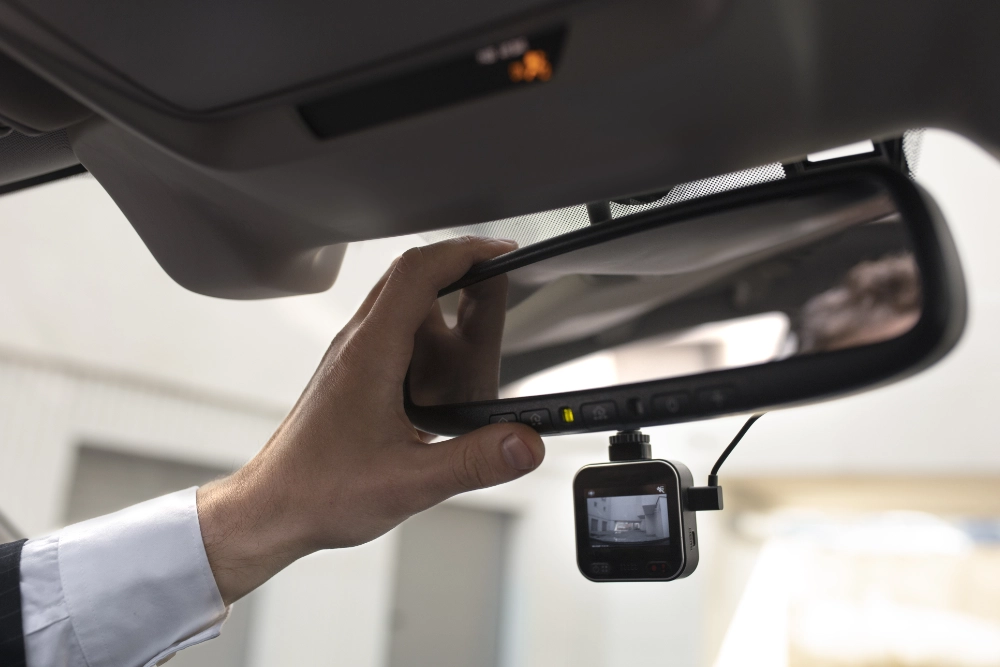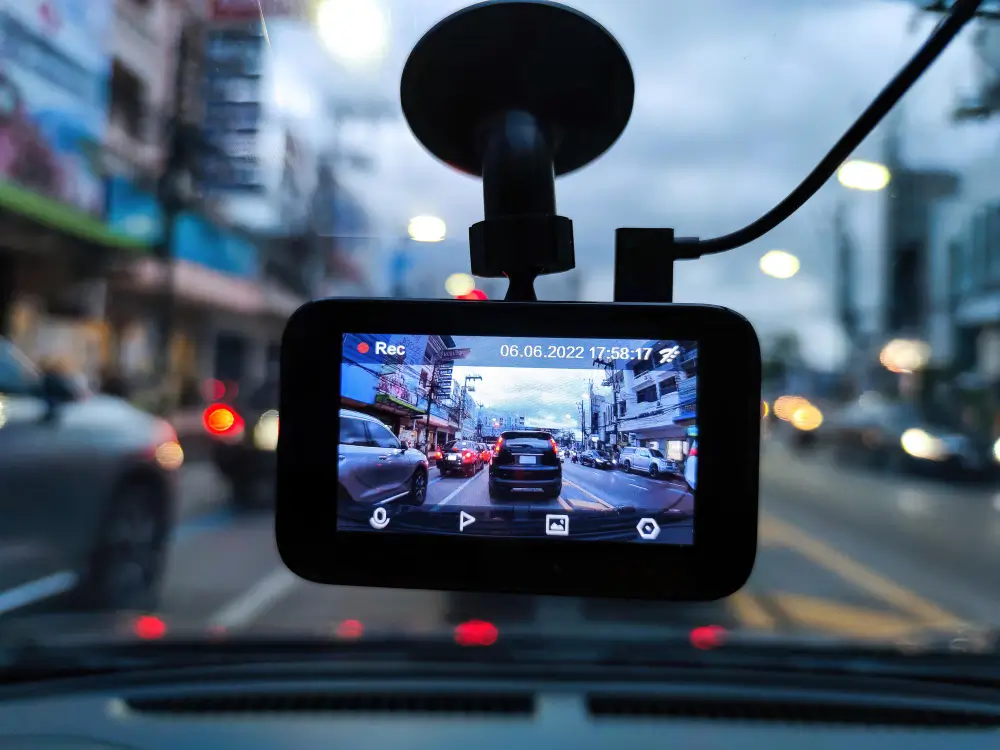

Have you ever been in a sticky situation when your dash cam battery chose to fail at the worst of times? Many have experienced similar irritation, particularly in cases where the recording could have been vital. Whether you run a fleet of commercial cars or everyday commute, your dash cam’s battery life is crucial. Let’s go over the basics to improve dash cam battery life and extend its longevity. You will learn how to maximise your dash cam settings, keep the battery for long-term use, combine external power options, and solve typical problems.
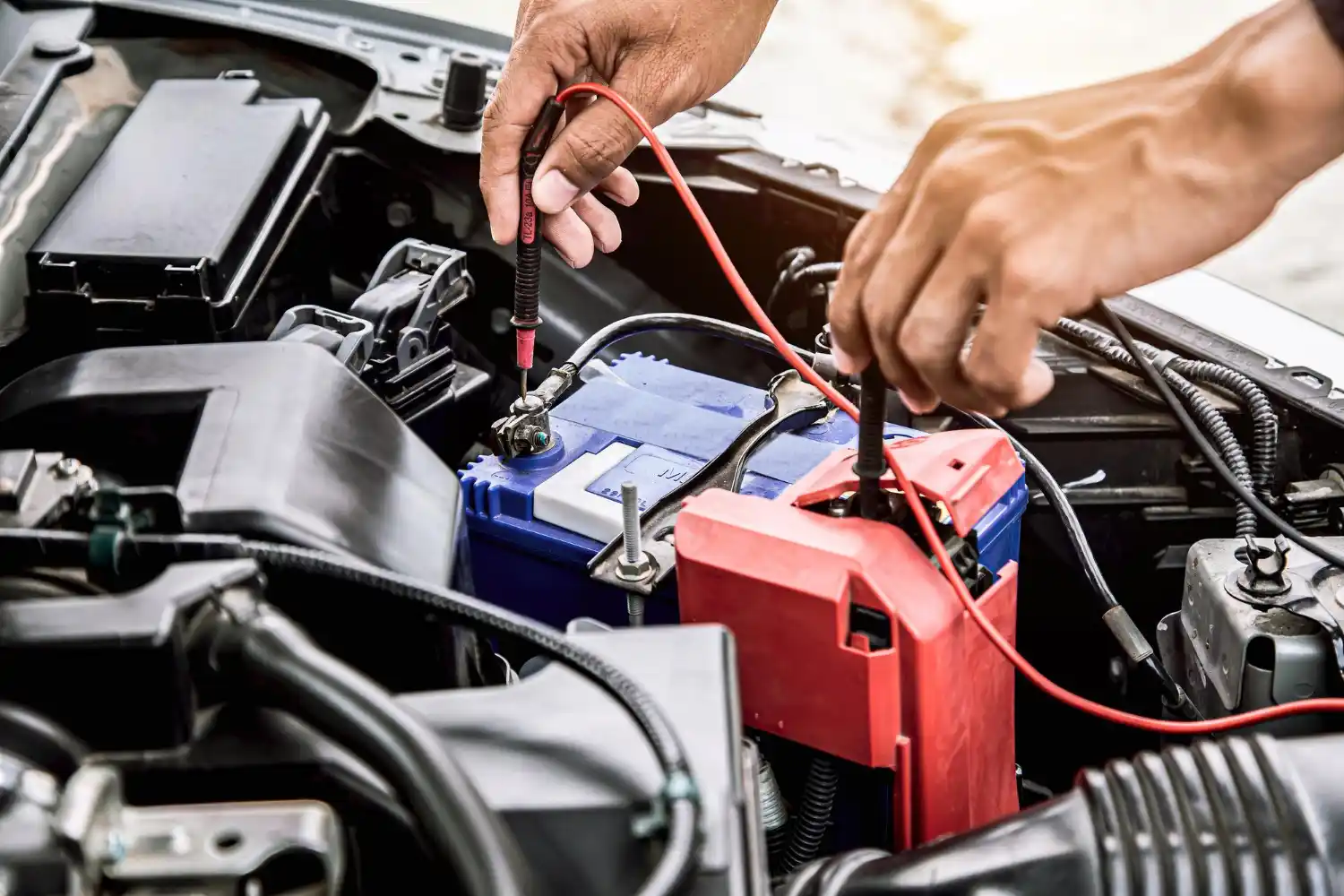
Here are the 5 quick fixes to improve your dash cam battery:
1. Know the Power Requirements of Your Dash Cam
Your dash cam seems to run its battery faster than a child eating ice cream on a hot summer day; hence, you have most likely pondered why. The first step in ensuring your dash cam is turned on when most needed is knowing its power requirements.
Know Your Dash Cam Model
Every single-channel, dual-channel, or fancy triple-channel arrangement you use consumes power. For example, a high-resolution dual-channel dash camera with GPS and Wi-Fi activated will automatically eat more power than a simple single-channel cam.
Usage Patterns Matter
How and when you use your dash cam significantly impacts its battery life. Are you using it primarily for daily commutes, or is it running 24/7 for commercial purposes? Frequent short trips with multiple power cycles can drain the battery faster than long, continuous drives.
Essential Power Features
- Resolution and Frame Rate: Higher resolution and frame rates capture better quality footage but demand more power.
- GPS and Wi-Fi: These features are fantastic for added functionality but can quickly drain your battery.
- Parking Mode: This mode is a lifesaver for surveillance while your car is parked; however, it requires constant power delivery, which impacts battery longevity.
Let’s say you have a new Blackvue dash cam model DR900X-2CH. This camera offers 4K UHD recording but consumes more power. By understanding its power needs, you can better manage its settings and usage to extend battery life.
2. Optimise Dash Cam Settings for Power Efficiency
To keep your dash camera running efficiently, tweaking a few settings can make a difference.
Tweak the Resolution and Frame Rate
High-resolution video is wonderful for taking pictures but is also a battery hog. Dropping the resolution from 4K to 1080p can notably reduce power intake without sacrificing readability. The same goes for frame charge; switching from 60fps to 30fps can double the recording time for a single fee.
Turn Off Unnecessary Features
- GPS and Wi-Fi are on-hand capabilities but infamous for draining batteries. Unless you need GPS tracking for every trip or plan to transfer videos wirelessly daily, consider turning these off when unnecessary.
- Motion Detection and Parking Mode: Although security depends on motion detection and parking mode, these modes drain your battery faster than you could say “flat.” To keep these functions running without draining the battery of your dash cam, use a hardwiring kit that connects to either an external battery pack or the battery in your car.
Smart Power Management Settings
Many modern dash cams come with power-saving modes. These settings adjust the dash cam’s performance based on the vehicle’s activity. Enabling these extends battery life without compromising essential functionality.
Turning off Wi-Fi and moving from the camera’s maximum resolution to a mid-level option can help increase the camera’s battery life by up to 30%. It’s all about striking the proper balance between efficiency and excellence.
Optimising these settings helps conserve battery life and ensures your dash cam is always ready to capture what matters most.
3. Regular Maintenance and Care
Regular maintenance is key to long-lasting power and optimal performance.
Keep It Clean
Dust and grime aren’t just ugly; they’re battery killers. Make it a habit to regularly clean your dash cam and its battery contacts. A simple wipe with a soft cloth prevents poor connections and ensures smooth power flow.
Stay Updated
Manufacturers often release firmware updates that can improve battery performance. These updates might include power-saving modes or better battery management algorithms. Check for updates often and set them up as soon as they’re available.
Storage Matters
Don’t leave your dash sprint cam lying around if you’ve not used it for some time. Store it in a cool, dry area and, if feasible, eliminate the battery. Extreme temperatures can degrade battery fitness quicker than you could say “meltdown.”
You can extend its battery life by preserving it easily, regularly updating the firmware, and storing it well. It’s easy, but it makes a huge difference.
4. External Battery Packs and Power Solutions
Why Go External?
Relying entirely on your dash cam’s internal battery would be equivalent to carrying a knife to a gunfight. In particular, if you use functions like parking mode, external battery packs offer a strong power source that guarantees your dash cam operates harder and longer.
Choosing the Right External Battery
Not all external batteries are created equal. Here’s what you need to consider:
- Capacity: Measured in mAh (milliamp hours), a higher potential approach longer battery life. Look for something between 6,000 and 12,000 mAh.
- Compatibility: Ensure the battery pack suits your specific dashcam model. Brands like Blackvue and Cellink Neo provide well-suited external batteries.
- Installation: Some battery packs are plug-and-play, while others might require professional installation. Make sure to pick one that suits your technical comfort level.
Recommended Battery Packs
Here are a few top picks:
- Blackvue B-124X Ultra Battery Pack: This battery pack is a favourite among dash cam enthusiasts due to its high capacity and reliability.
- Cellink Neo: Another solid choice, offering excellent performance and easy installation.
Protect your vehicle’s battery and ensure continuous recording with our External Battery Pack for dashcams.
Installation Tips
If you’re a DIY enthusiast, here’s a quick guide:
- Locate a Power Source: Most external batteries can be connected directly to your car’s fuse box.
- Secure the Battery Pack: Mount it in a stable location, typically under the seat or in the boot.
- Connect to Dash Cam: Use the provided cables to link the battery pack to your dash cam.
Professional installation is always a safe bet for those who prefer a hands-off approach.
5. Troubleshooting Common Battery Issues
Issue 1: Rapid Battery Drain
Is the battery life of your dash cam decreasing more quickly than you would have thought? There are several possible causes for this. First off, choosing high resolution and frame rate settings might lead to significant power consumption. To assist in saving battery life, think about reducing these settings. Using GPS and Wi-Fi nonstop can also quickly deplete the battery. Switching these features off while not in use is a good idea to save electricity. Lastly, make sure the firmware on your dash cam is current. Outdated software can be ineffective and hasten battery consumption.
Issue 2: Overheating
Your dash cam may be damaged, and battery life may be greatly shortened by overheating. One must act in particular ways to avoid overheating. For instance, keep your dash camera away from direct sunlight for extended lengths of time since this could cause battery overheating. Furthermore, consider lowering the internal settings to match lower performance levels since high settings could cause overheating. Following these guidelines guarantees that your dash cam keeps its lifetime and runs as it should.
Issue 3: Battery Not Charging
It might be annoying when you get ready to go and your dash cam battery isn’t charging. A few things could be driving the problem. Your cable or charger can be broken, stopping the battery from charging correctly. Batteries can also lose their capacity to store a charge with time. To solve these charging problems, look over the cord and charger for obvious damage. Should damage result, it is advisable to replace the malfunctioning parts. Another thing you could try is switching power outlets since occasionally the issue might be the power source. Think about changing your outdated and noncharged dash cam battery.
Dealing with these typical battery problems head-on guarantees that your dash cam is always ready as needed.

Never Miss a Moment – Improve Dash Cam Battery
Though we have covered many settings, let’s bring everything together. Capturing such unplanned events on the road depends on keeping your dash cam batteries in perfect health. Understanding your dash cam’s power demands, optimising settings, doing regular maintenance, using outside power solutions, and diagnosing frequent problems can help you ensure your dash cam is always ready to run.
Expert Advice and Support
Do you have more questions or need personalised advice? Don’t hesitate to contact the experts at DNH Dashcam Solutions. We’re here to help you every step of the way.
- Contact Us: Get in touch with our team for professional guidance.
- FAQs: Find answers to the most common questions about dash cams and their accessories.
- Customer Testimonials: Hear from other satisfied customers about their experiences.
Thank you for reading, and remember—stay powered, stay protected, and keep those cameras rolling!