TL;DR: Dash cam overheating usually comes down to heat exposure, poor placement, overloaded settings, weak memory cards, or an unsuitable power setup. Choosing a heat-ready dash cam, mounting it correctly, keeping airflow clear, and using parking mode wisely can help your camera stay reliable during hot weather.
Key Takeaways
A dash cam only helps if it keeps recording, but hot weather can cause shutdowns, freezes, lost footage, and early wear. Here is how to stop dash cam overheating in hot weather with better placement, smarter settings, clean wiring, and the right power setup.
Dash cams work hard for their size. They sit close to hot glass, record for long periods, and often run features like Wi-Fi, GPS, parking mode, cloud access, and impact detection. In summer, direct sunlight and trapped cabin heat can push the unit past what it can comfortably handle.
Overheating is not always obvious at first. A dash of cam may still turn on, but it can start acting strangely before it fully shuts down. Watch for signs such as:
Not all dash cams are made for hot Australian conditions, so check the operating temperature range before buying and look past flashy features you may rarely use. For hot weather, supercapacitor models are often a smarter pick than traditional lithium-ion battery models, and a smaller screenless dash cam can also help reduce heat if you mainly review footage through an app.
Recommended features to look for include:
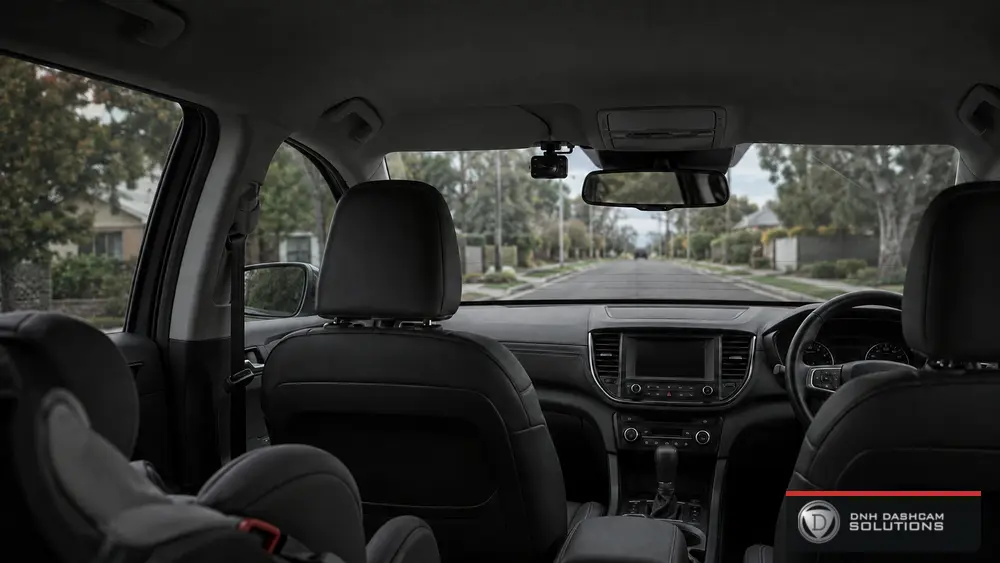
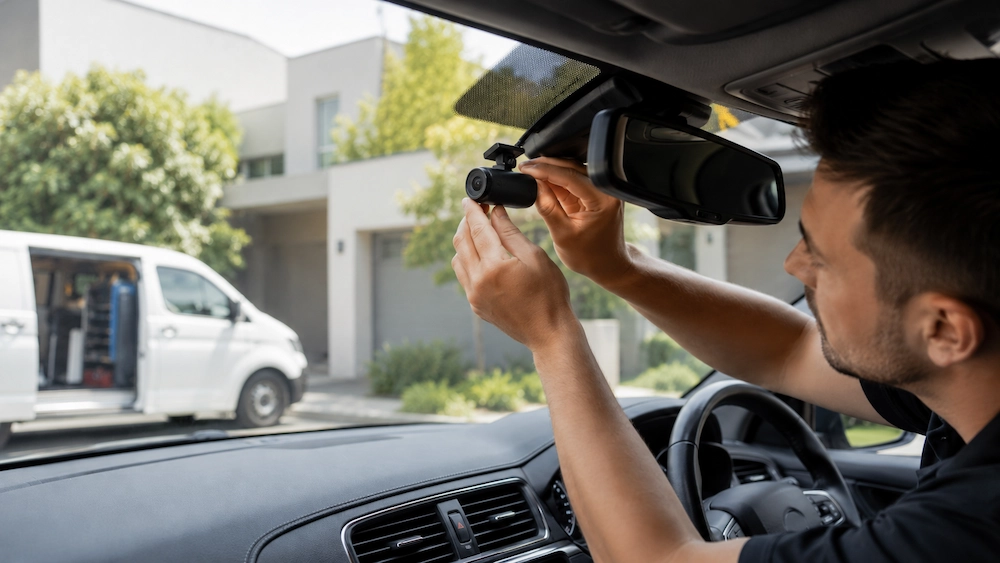
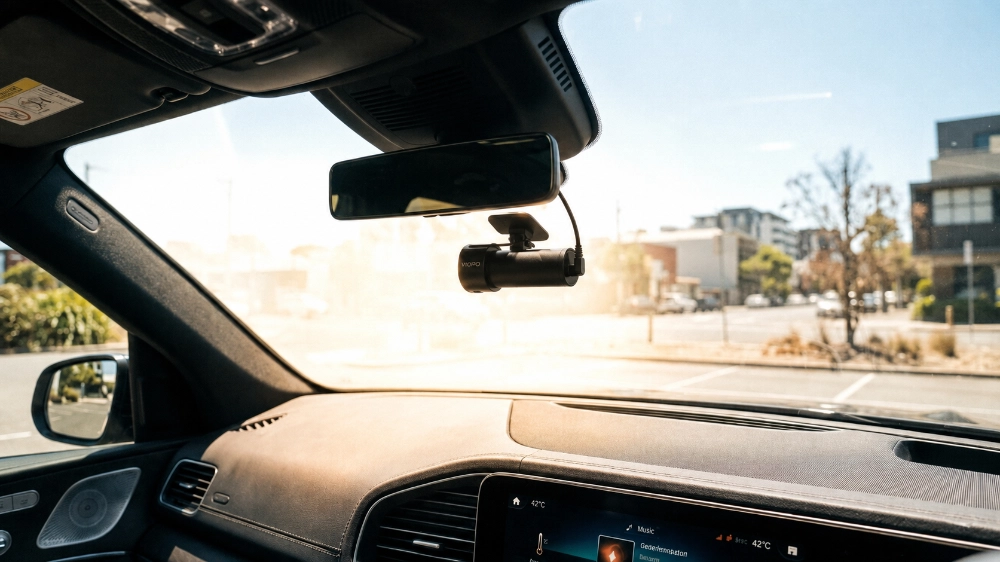
Mount the dash cam high on the windscreen, close to the rear-view mirror, where it has a clear road view without blocking your line of sight. This spot may also get slight shade, depending on your mirror and windscreen layout.
Avoid areas with long direct sun exposure or tight trim contact. Keep the lens view clear but leave enough space around the unit so heat can escape.

Dash cams need airflow, so keep the surrounding area free from dashboard clutter, phone mounts, air fresheners, parking permits, and anything that traps or reflects heat.
Do not block the vents, lenses, or body of the unit. Use sunshades carefully and keep the windscreen and lens clean so you do not need to overcompensate with heavier camera settings.
Maxed-out settings can make a dash cam work harder than needed. High resolution, high frame rate, Wi-Fi, GPS, cloud uploads, screen brightness, and audio recording can all add strain in hot weather.
If overheating starts, lower the resolution or frame rate slightly, turn off Wi-Fi when not in use, and dim the screen if your model has one. For parking mode, use motion or impact detection instead of continuous recording where possible.
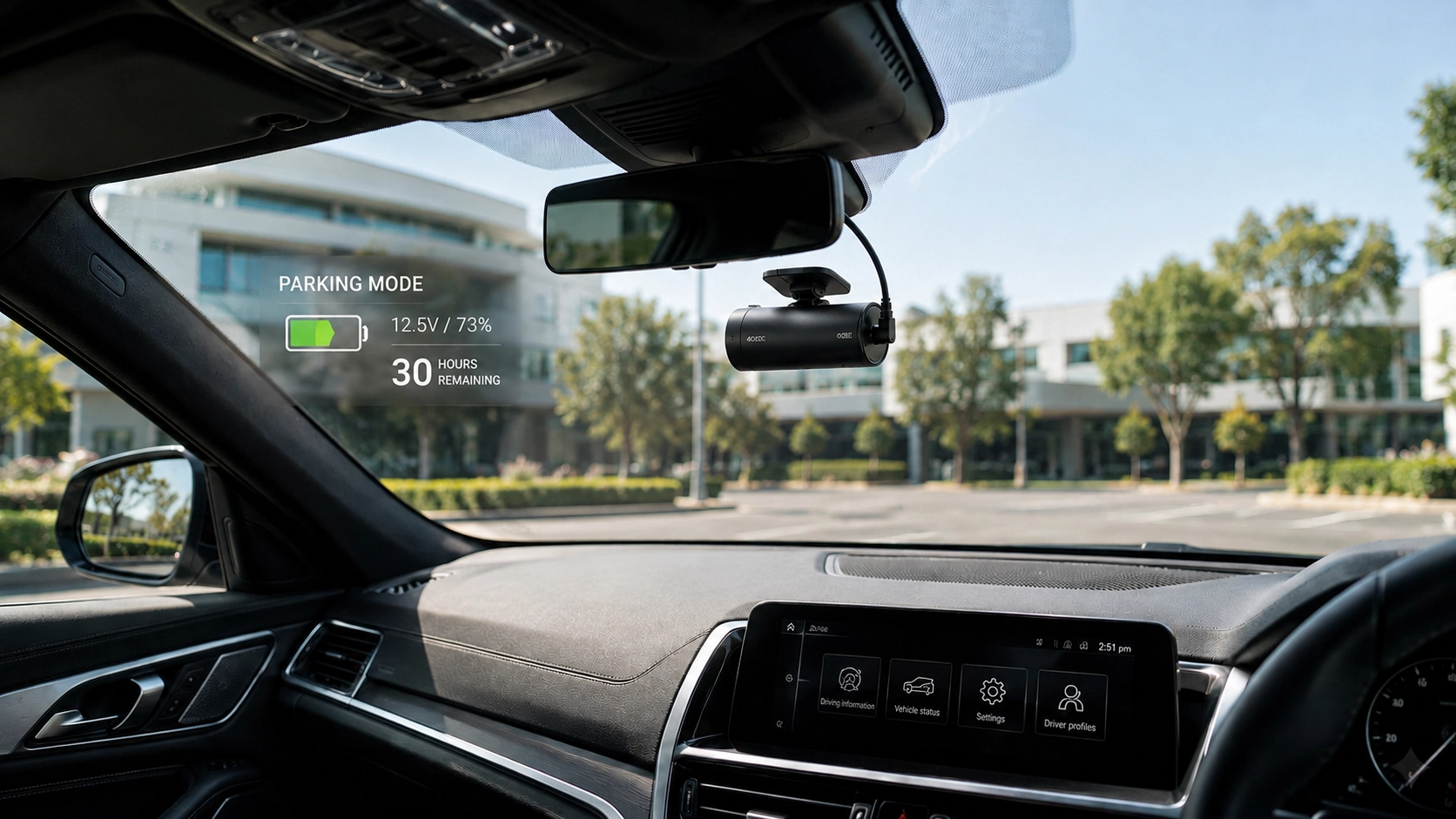
Parking mode can record bumps and movement while your car is parked, but it also keeps the camera active when the cabin is at its hottest. During extreme heat, avoid continuous parking mode unless you truly need it.
Use timer settings where available and make sure the hardwire kit has voltage cut-off. This helps protect the vehicle battery and stops the camera from running longer than necessary.
An external battery pack is useful if you rely on parking mode often because it powers the dash cam after the engine is off instead of draining the vehicle’s battery. It can also give the camera a steadier power source.
The pack still needs proper placement and wiring. Keep it away from direct sunlight, avoid cramped areas with poor airflow, and secure it neatly so there are no loose cables around the pedals or centre console.
Overheating is not always caused by the dash cam body alone. Poor wiring can create problems that look like camera faults, including power drops, restarts, unstable recording, and files that fail to save properly.
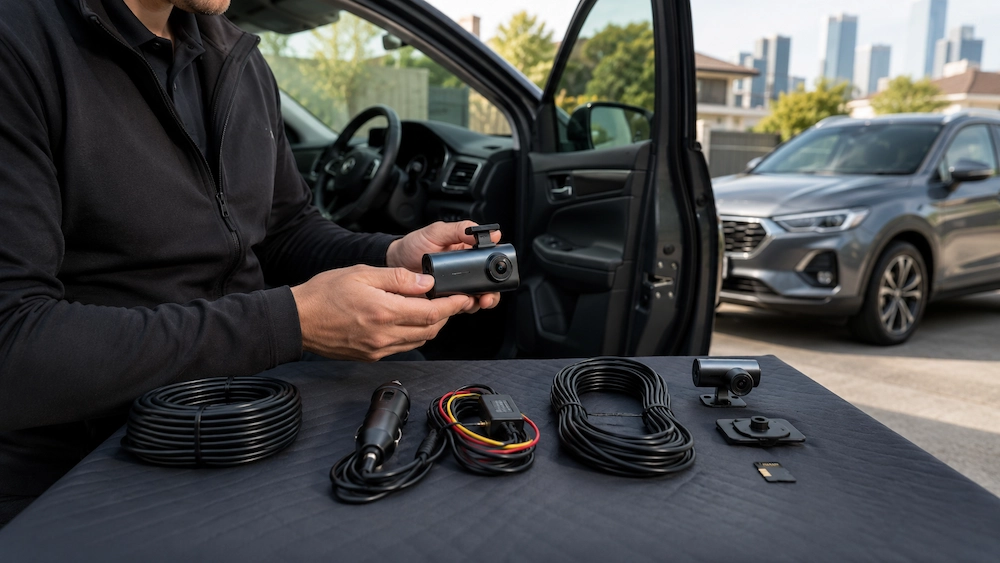
A proper hardwire setup should use suitable fuse taps, correct grounding, safe cable routing, and clean hidden wiring. Cables should not be pinched behind trim, stretched across airbags, or left dangling around the driver’s area, because poor wiring can affect both performance and safety.
You cannot control the weather, but you can reduce heat exposure. Park in shade when you can, use covered parking at work or home, and remember that even partial shade can help lower heat around the windscreen.
A quality windscreen sunshade can also help while the vehicle is parked, as long as it does not press against the dash cam. Window tint may reduce cabin heat too, but make sure it follows local rules and does not affect camera vision. If your dash cam sits behind tinted or dotted glass, test the footage during the day and at night.
Firmware updates can improve stability, recording behaviour, and power management, and they may fix bugs that cause freezing or random shutdowns. Check out the manufacturer’s app or website from time to time, especially before summer.
Your memory card matters too. Dash cams constantly write and overwrite files, so use a high-endurance microSD card and format it regularly through the dash cam menu or app. If the camera keeps stopping, freezing, or showing card errors, replace the card with one recommended for dash cam use.
If your dash cam still overheats after adjusting settings, improving airflow, and checking the memory card, it may be time to have the setup inspected. The issue could be the camera model, mount position, power source, hardwire kit, or parking mode configuration.
This is especially important for newer vehicles, rideshare vehicles, work utes, vans, and cars with advanced electronics. A clean, safe install is about more than hiding wires. It helps the whole system work the way it should, especially during long drives and hot parked conditions.
DNH Dashcam Solutions provides mobile dash cam installation across Melbourne, helping drivers choose setups that suit their vehicle, parking needs, and daily driving. The team installs front, rear, cabin, reverse camera, and external battery pack systems with clean hidden wiring and a factory-style finish.
For overheating concerns, DNH Dashcam Solutions can help with placement, hardwiring, parking mode settings, power management, app setup, and testing, so drivers get a neat system that records clearly and works reliably.
If your dash cam keeps shutting down, freezing, or struggling in the heat, DNH Dashcam Solutions can help you get the setup right. Book a mobile installation or setup check with DNH Dashcam Solutions and get professional advice, clean wiring, and a dash cam system built for everyday driving in Melbourne conditions.