
TLDR: Dash cam battery life usually improves when the camera has the right power source, sensible parking mode settings, a healthy car battery, and a setup that avoids unnecessary drain from features, heat, or poor storage.
Key Takeaways:
Dash cam battery issues usually appear when you need the camera most. Parking mode cuts out early, the camera stops after the car turns off, or the vehicle battery feels weak the next morning.
If you want to know how to improve dash cam battery life, start with the power setup, parking mode settings, and vehicle battery health before replacing the camera.
Dash cams do not work like phones or power banks. Most only have a small internal battery or capacitor to save files when power is cut, not to run the camera for hours. When drivers talk about dash cam battery life, they usually mean one of three things:
That difference matters. A dash cam plugged into a cigarette lighter socket may switch off with the car, while a hardwired camera may keep running after you park. An external battery pack can extend parking mode further, but before changing settings or buying accessories, work out which problem you are actually trying to solve.
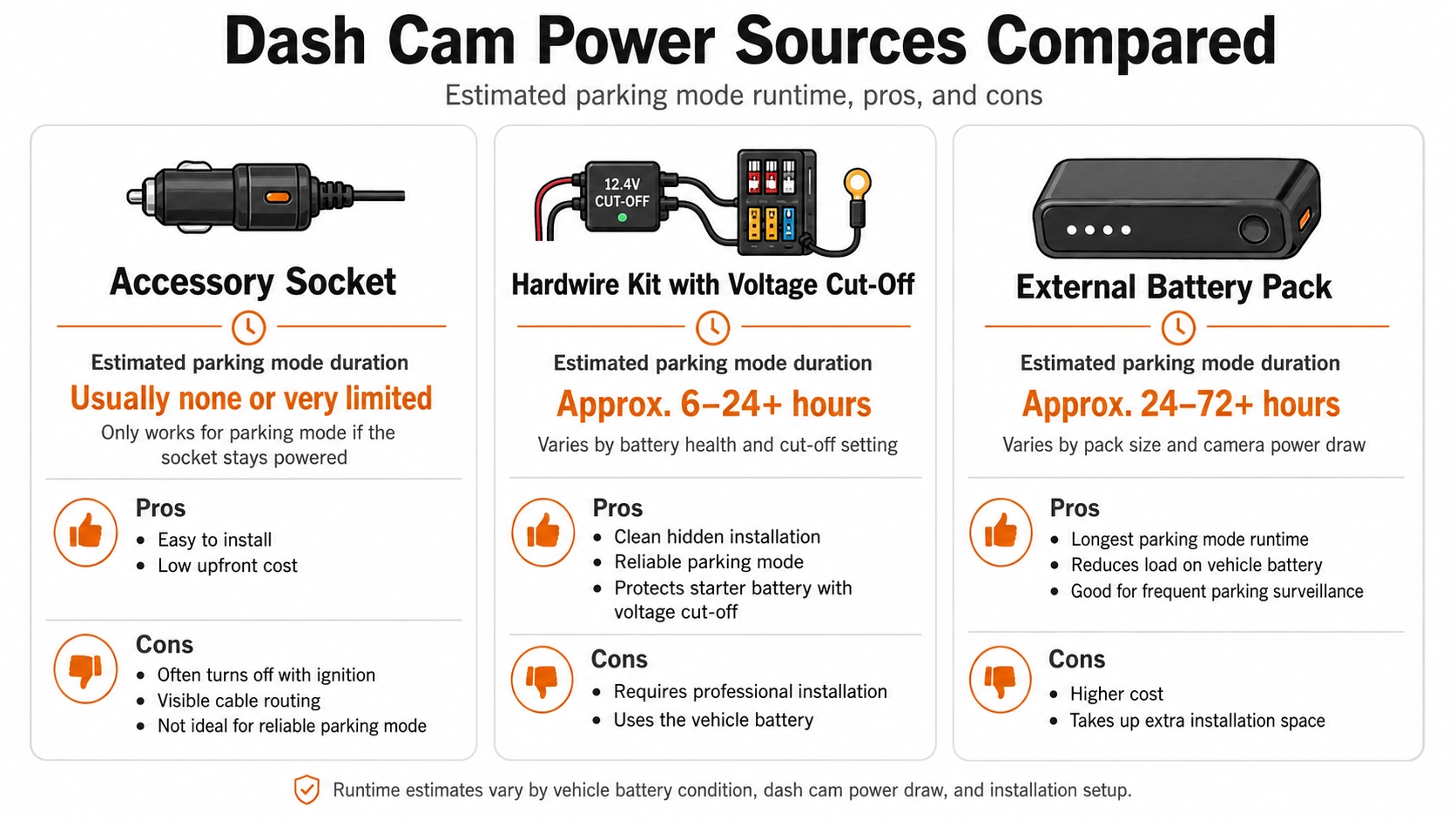
Your dash cam’s power source affects how long it runs and how safely it uses your vehicle battery. A standard accessory socket may work for basic driving footage, but parking mode usually needs a hardwired setup with voltage cut-off protection.
If your dash cam switches off too soon, check the socket, cable, hardwire kit, fuse connection, and voltage cut-off setting before blaming the camera. A weak power setup can shorten recording time and put extra strain on the vehicle battery.
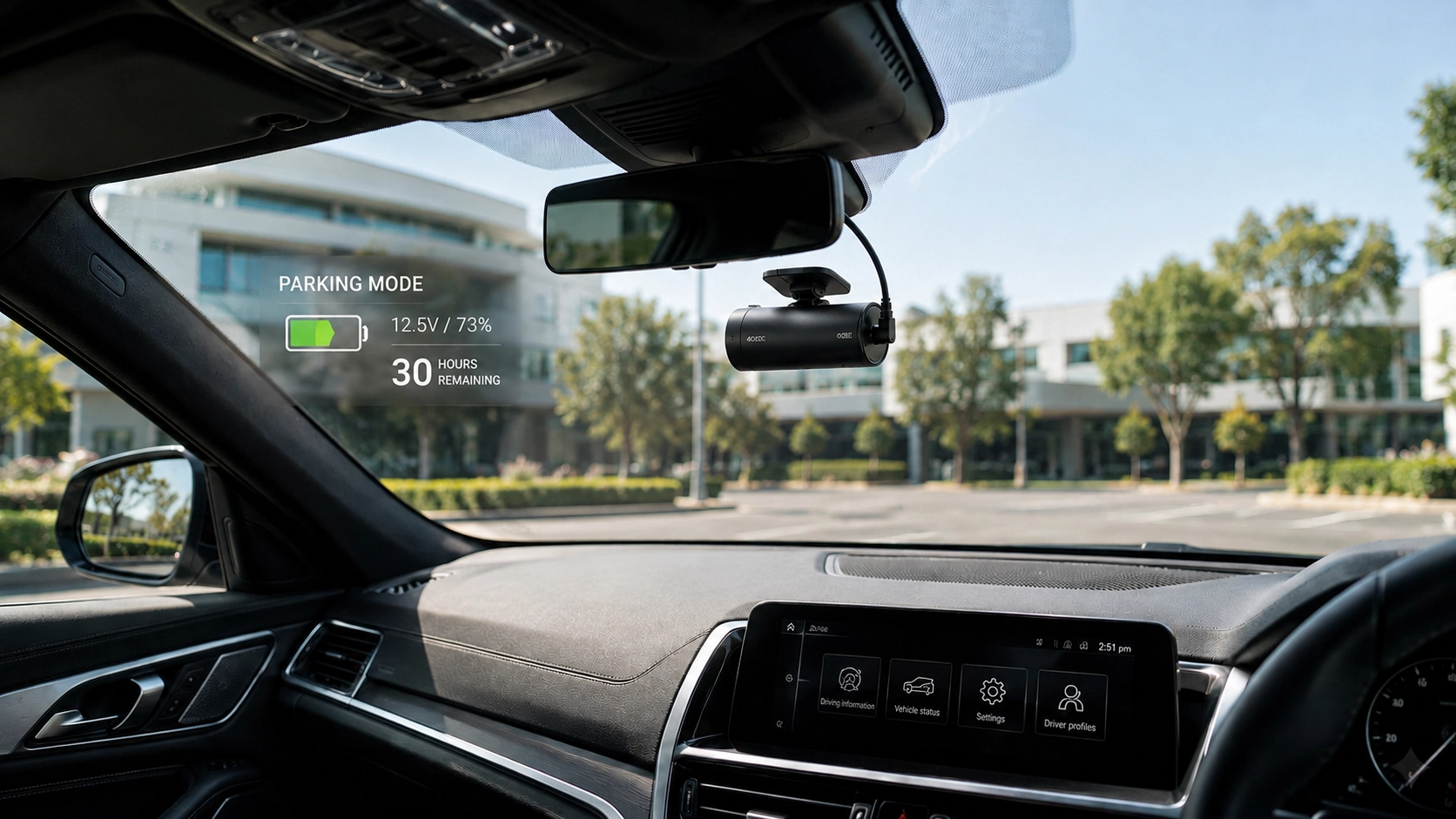
Parking mode is useful, but it can drain power quickly when settings are too sensitive or not suited to where you park. Motion detection may trigger often in busy areas, while impact detection saves power but may miss activity before a bump.
Time-lapse mode can use less storage and power, while buffered mode captures footage before and after an event but keeps the camera ready. If parking mode drains too quickly, lower sensitivity, switch modes, or shorten the timer.
Many dash cam features are useful, but they do not all need to run constantly. Set the screen to turn off quickly, and only use Wi-Fi or Bluetooth when you need the app, downloads, or settings changes.
GPS, resolution, and frame rate can affect power use, storage, and heat. Keep GPS on if speed and location data matter, but choose balanced settings instead of maxing out every feature.
Sometimes the dash cam is not the real problem. An old, weak, or undercharged car battery can make parking mode shut down early because the hardwire kit is protecting the vehicle from a flat battery.
Short trips can make this worse because the alternator may not fully recharge the battery before parking mode starts again. If you notice slow cranking, battery alerts, dim lights, or electrical issues after parking, get the battery tested.
If you rely on parking mode, an external battery pack can give your dash cam a separate power source while reducing pressure on the main car battery. Options like the BlackVue B-130X battery pack can support longer parking coverage, especially for long parking hours and higher-end two-channel or three-channel cameras.
A battery pack will not make a dash cam run forever, but it can make parking mode more dependable when matched to your camera, settings, and expected runtime. Proper installation matters too, because poor setup can cause charging issues, messy wiring, or unreliable operation.
Heat is a common reason dash cams shut down, behave strangely, or lose performance. Australian conditions can be hard on electronics, especially when a vehicle sits in direct sun.
A dash cam mounted too low, too close to heavy tint lines, or in a spot with poor airflow may run hotter than necessary. Running too many features at once can also add heat, so reduce unnecessary settings during hot weather and consider a capacitor-based dash cam if your current model struggles in summer.
A bad memory card can look like a battery or power problem because the camera may restart, freeze, stop recording, or fail to save files. If this happens, use a high-endurance microSD card, format it regularly, and replace it when recordings become unreliable.
Dash cams write video constantly, so they need a high-endurance microSD card that matches the camera’s supported size and speed. Format it regularly through the dash cam or app, and replace it if recordings are missing, corrupted, or slow to load.
Voltage cut-off protects your vehicle battery by stopping the dash cam from drawing power beyond a set level. The right setting depends on your hardwire kit, battery health, climate, and how long the car stays parked.
If the cut-off is too high, parking mode may stop early. If it is too low, the car battery may be stressed, so balance the setting with smarter parking mode options or an external battery pack.
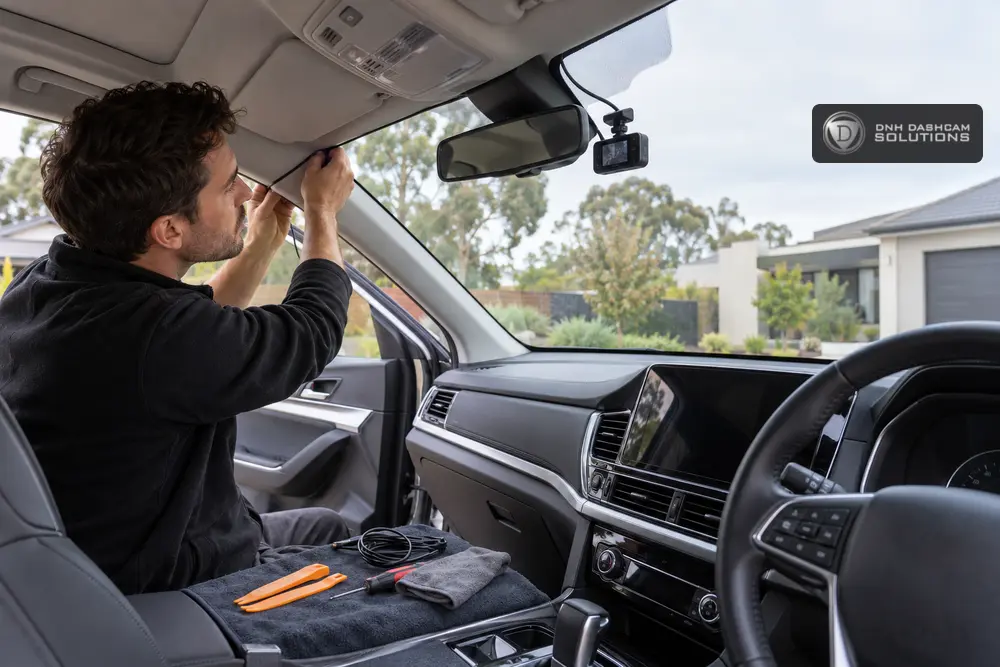
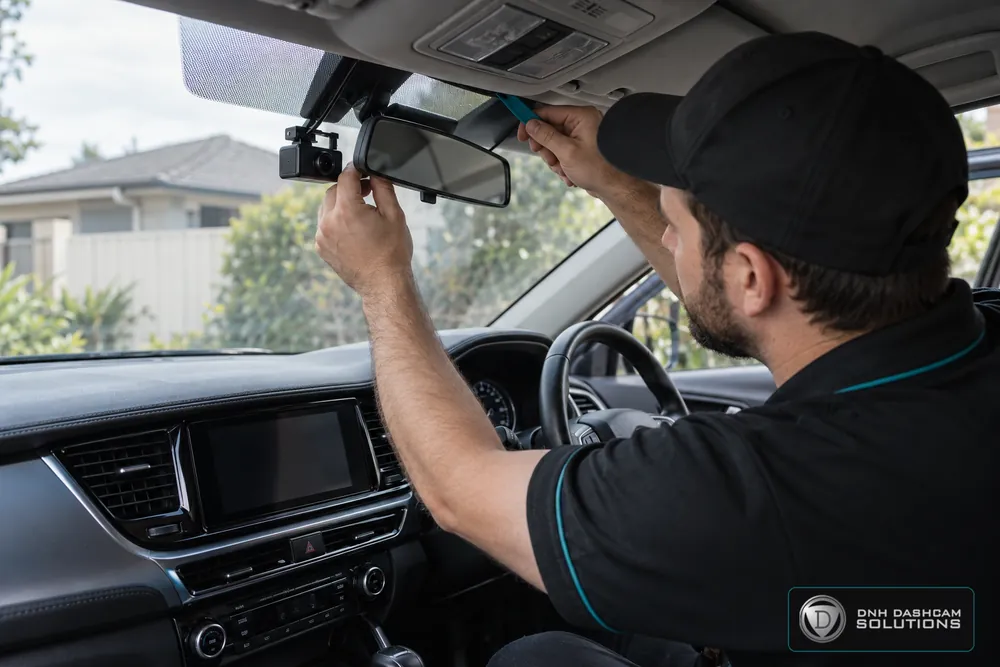
DNH Dashcam Solutions helps Melbourne drivers get dash cam setups that suit their vehicle, parking needs, and daily driving habits. The team supplies and installs dash cams, fits customer-supplied cameras with the right hardwire kit, and installs external battery packs for stronger parking mode performance.
A reliable setup needs the right dash cam, hardwire kit, fuse connection, battery pack, and settings working together. It should also include clean hidden wiring and a proper walkthrough after installation.
If your dash cam keeps switching off early, draining power, or failing to record properly in parking mode, the next step is to check the full setup rather than guessing. Share your vehicle make, model, year, dash cam model, hardwire kit details, and how long you want parking mode to run.
DNH Dashcam Solutions can help you choose a suitable dash cam power setup.