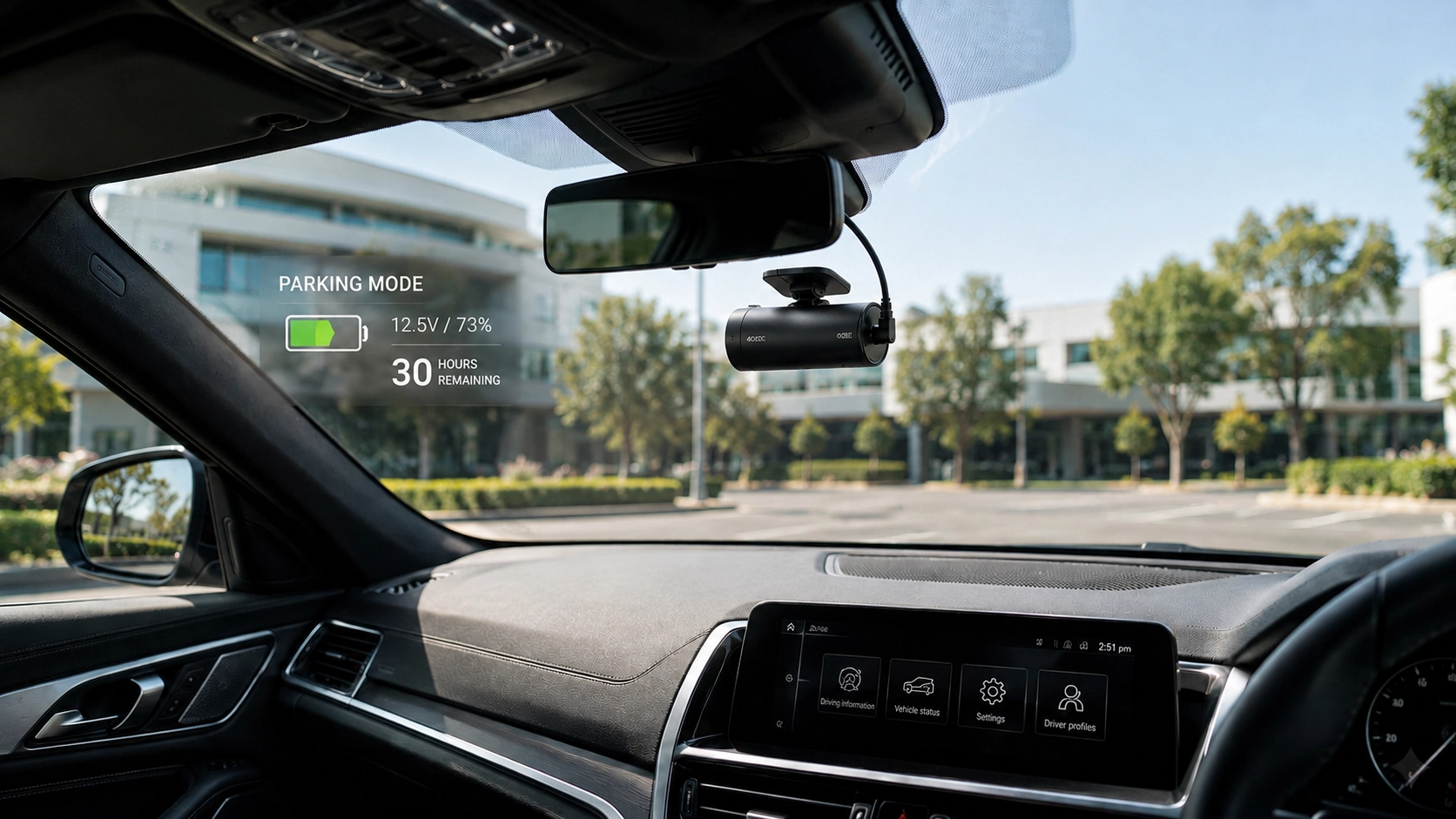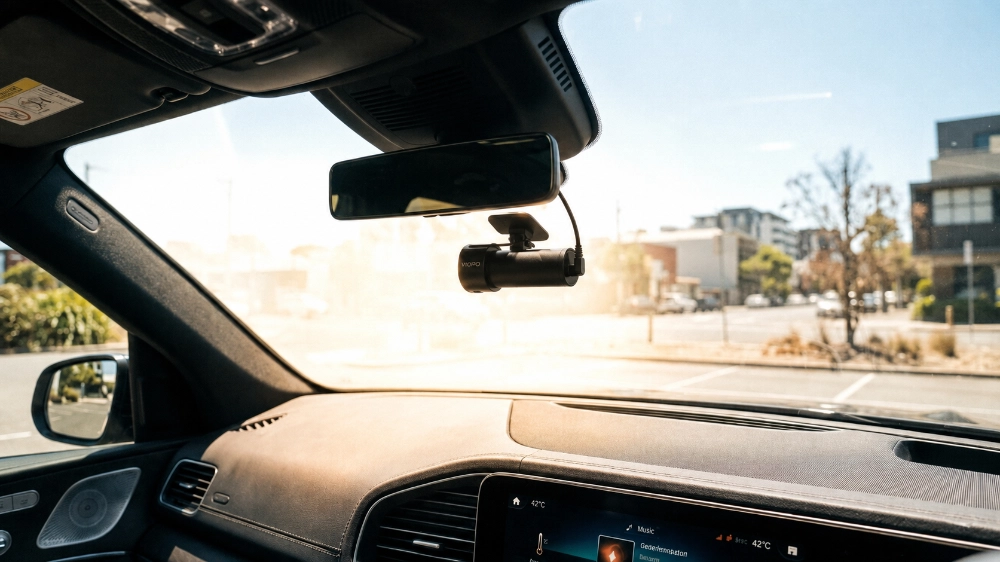
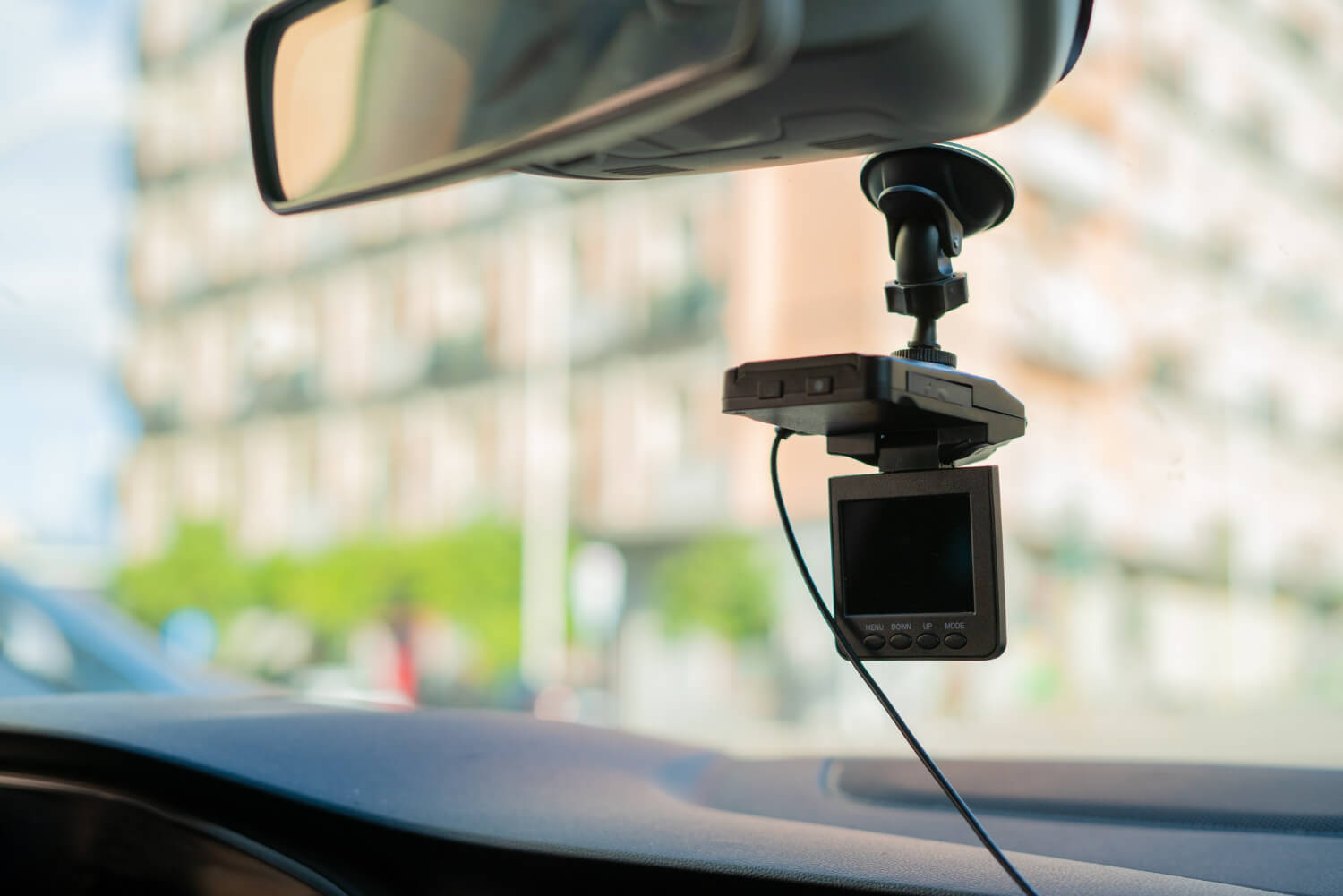
Have you ever felt the need to have hard copy proof of an incident you experienced while driving? Just picture how much peace of mind you will have knowing that every second spent driving is captured and stored. Dash cams are becoming necessary for drivers to capture amazing road journeys, guard against insurance fraud, and serve as proof in case of an accident. Nevertheless, deploying these devices might be a demanding task. Let us walk you through the convenience and expertise of mobile dash cam installation services. You’ll learn exactly what to expect from a professional installation right at your doorstep and why it’s a game-changer for personal and commercial vehicle owners.
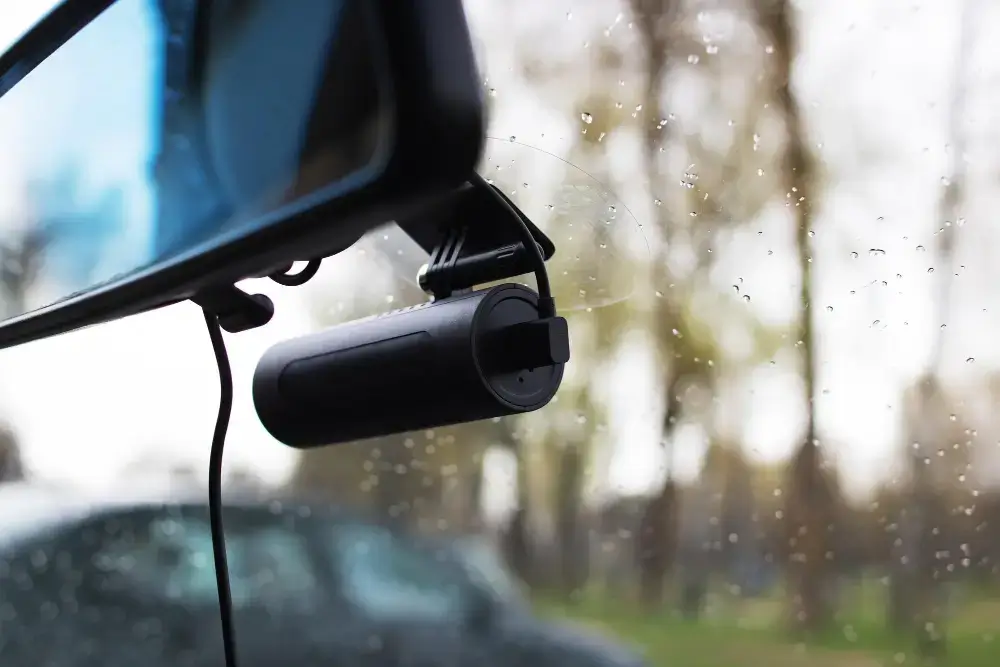
Mobile installation eliminates the need to attend a workshop or wait; the service comes to you, making it extremely convenient.
This service is intended to fit into your hectic schedule without creating any disruption. Whether you work from home, care for family, or relax, the installation will cause minimal disruption to your day. It’s an excellent option for busy people who value their time.
Choosing a mobile installation service means prioritising convenience, quality, and professional support while staying in the comfort of your own home.
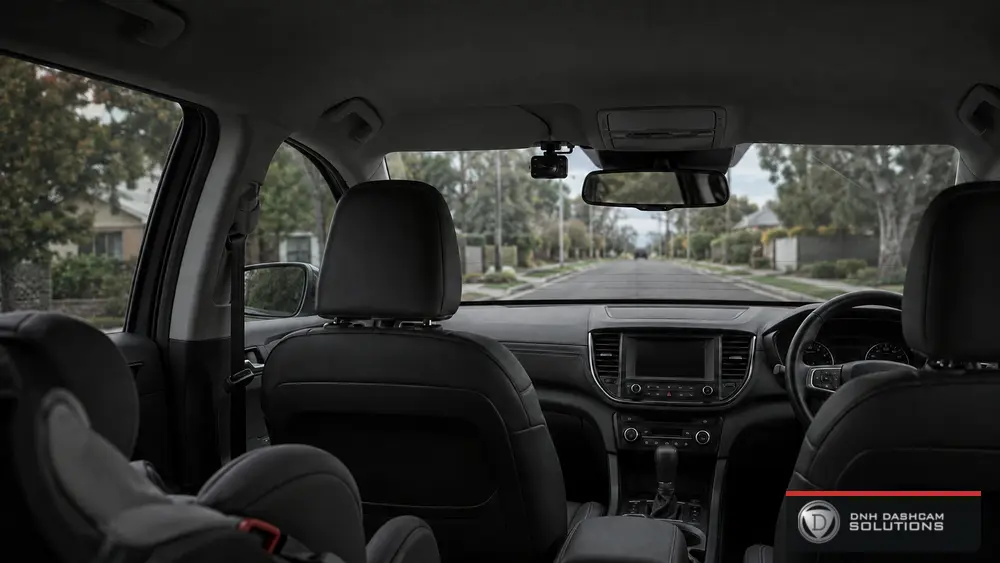
Single-channel dash cams are straightforward yet powerful. They capture everything in front of your vehicle, providing clear, high-resolution footage of your journey. Ideal for everyday drivers, these cams are a simple but effective way to protect yourself against accidents and fraud.
When you can have two views, why limit yourself to one? Dash cams with dual channels may record your car’s front and back. Whether parked or driving, this arrangement guarantees no detail is overlooked, making it ideal for individuals seeking full coverage.
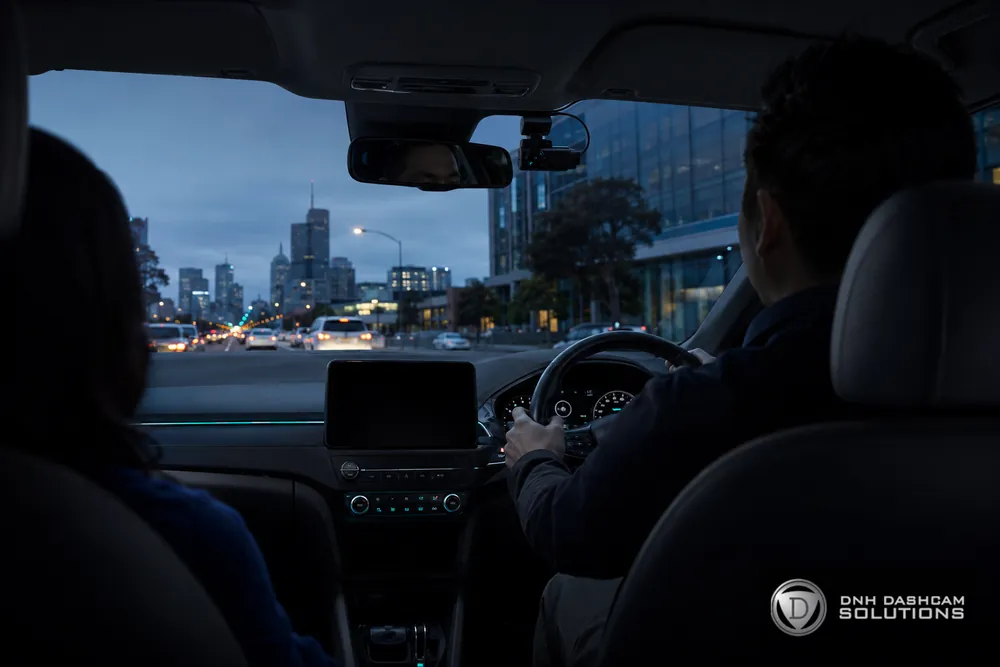
Triple-channel dash cams go further by including an indoor digital camera. This is especially useful for rideshare drivers, parents, and anyone looking to monitor their automobiles’ internals. This setup gives you a 360-degree view of your vehicle’s surroundings and interior, making it the ultimate safety gadget.
Selecting the proper dash cam depends upon your particular needs. Consider these factors:
For example, business engines may need the large coverage supplied by triple-channel cams, while a daily commuter may find a single-channel cam sufficient.
The right dash cam fitting setup could make all the difference in an international where anything can happen on the street. Whether you need fundamental coverage or a full-spectrum safety machine, knowing the styles of dashcams available allows you to make an informed choice that fits your desires.
It all begins with a simple conversation. The technician will learn about your vehicle and its needs during this consultation. Then, based on your unique circumstances—whether you drive a commercial truck, a huge SUV, or a compact car—they will suggest the ideal dash cam arrangement.
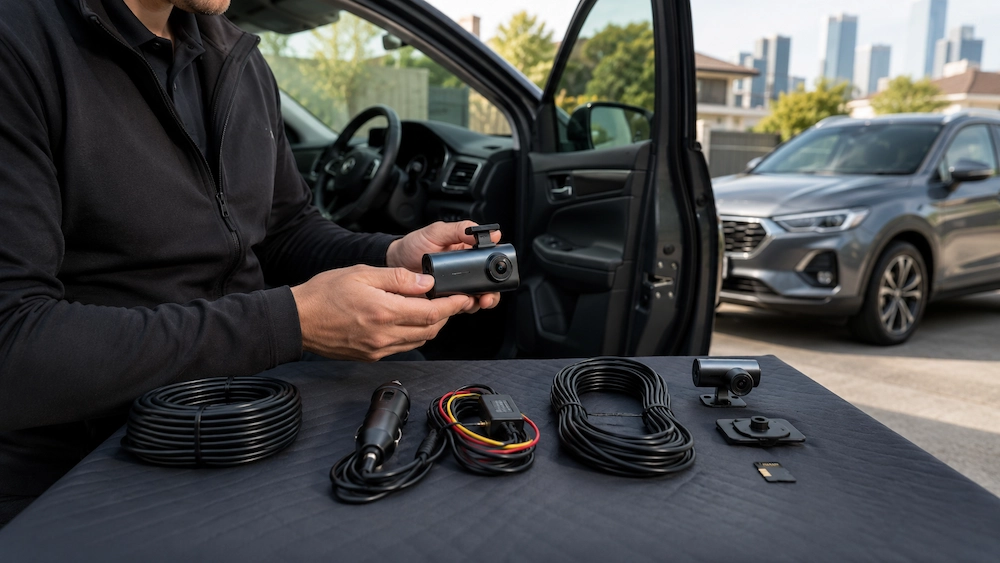
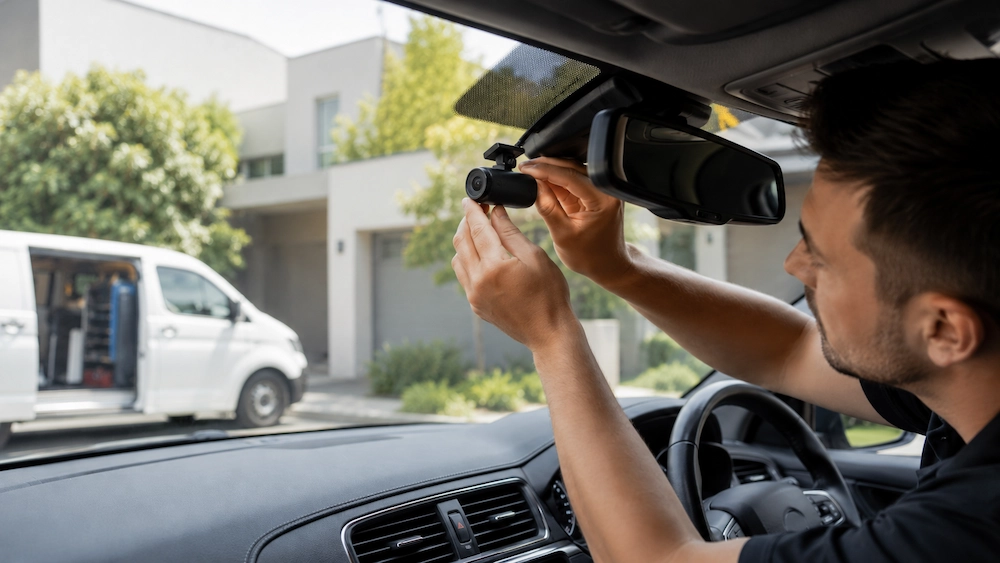
When installation day arrives, the technician comes to you. No need to adjust your schedule or leave your home. Here’s a peek at what happens:
Final Checks and Demonstration
The entire process is designed to be quick and efficient. Typically, the installation can be completed in a couple of hours, allowing you to return to your day without significant interruption.
After installation, the technician thoroughly checks to ensure everything functions correctly. They’ll also give you a quick rundown on using your new dash cam, from accessing footage to adjusting settings.
When it comes to dash cam installation, precision is key. Professional installers bring expertise that ensures your dash cam is securely mounted and perfectly positioned for the finest possible view. They understand the complexities of different car models, allowing them to hide wires seamlessly and integrate the system flawlessly with your car’s interior.
One of the major advantages of hiring a professional installer is choosing a clean, integrated style. No unsightly cameras block your view, no cables hang from your dashboard. Your car’s appearance is preserved because everything is tucked away instead. The usefulness and safety of this kind of seamless integration are just as important as its appearance. Hidden wiring keeps your dash cam operating trouble-free and lowers the possibility of interference with other car systems.
You gain more than just service when you hire a pro installer—you also get peace of mind. Most suppliers guarantee their work, so you’re covered if something goes wrong. When installed by trained specialists, this guarantee frequently covers the dash cam, shielding you from potential flaws or problems.
Furthermore, continuing assistance is usually included with professional services. This implies that you have someone to turn to in the future if you have concerns or encounter issues. Access to professional support can be helpful whether you need software updates, troubleshooting, or knowledge of your dashcam’s capabilities.
The differences between a DIY and a professional installation are most noticeable in the wiring. Exposed wires from do-it-yourself systems can be dangerous and unsightly. On the other hand, experts are skilled at concealing all wiring behind the trim and panels of your car. This shields the wires from damage and maintains the sleek appearance of your car.
Although doing things alone can be enjoyable, installing a dash cam is a serious matter. Installation errors might result in bad camera angles, defective wiring, or even electrical system damage to your car. The installation of systems should go well because professionals have the equipment and experience to avoid these problems.
Ever tried to read a number plate from a grainy video? High-resolution dashcams eliminate this frustration. These cameras capture crystal-clear footage with Full HD and even 4K options. You’ll get vivid details, whether it’s capturing a reckless driver’s face or an accident scene’s specifics. This clarity can be crucial when presenting evidence to insurance companies or authorities.
Modern dash cams are packed with features that go beyond simple recording:
User-Friendly Interfaces: Easy Access and Control
You do not need to be tech-savvy to apply those dash cams. Intuitive interfaces make navigating settings, reviewing pictures, and customising functions clean. Many dashcams come with partner apps that streamline the process, permitting you to govern everything from your phone.
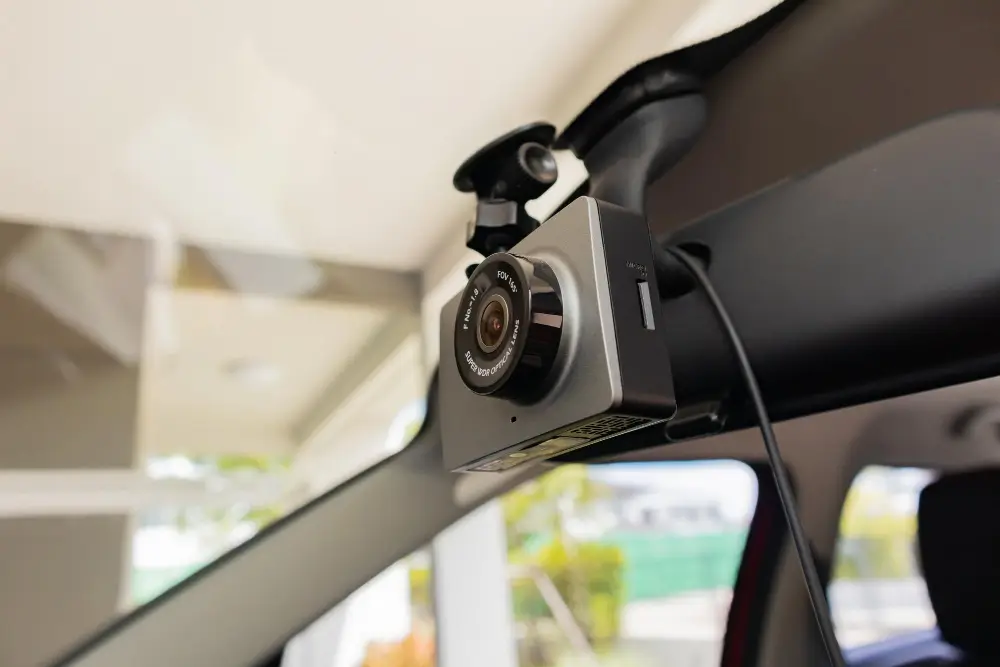
Now that you’ve got the lowdown on mobile dash cam installation, it’s time to make a smart move. Make an appointment for a Blackvue dash cam fitting done by our professionals today to safeguard your car, yourself, and your family. Improving your driving experience with professionals at your door is easier than ever.
Are you prepared to begin? Contact us for a consultation to find the ideal dash cam solution. Make an easy online reservation or give us a call. Our amiable staff assists you at every turn, ensuring you receive the greatest care and assistance.