
TL;DR: Dash cam maintenance is about confirming that the camera, memory card, power supply, settings, and recording functions are all working together. Regular checks can uncover missing footage, storage errors, poor camera positioning, parking mode issues, and power problems before they leave you without usable evidence.
Key Takeaways
A dash cam can power on, display a recording symbol, and appear normal while still failing to save usable footage. A worn memory card, loose connection, shifted angle, incorrect setting, or faulty parking mode can silently disrupt recording.
Good dash cam maintenance means more than cleaning the lens; regularly verify recording, storage, and footage retrieval work correctly. Good dash cam maintenance helps confirm important footage records correctly.
One of the biggest mistakes drivers make is assuming a dash cam is working properly just because it powers on. A camera can still have problems with storage, recording, GPS, parking mode, rear camera communication, or video quality without showing an obvious warning.
For example, the front camera may record normally while the rear camera fails, files corrupt, or the camera angle shifts. For that reason, routinely reviewing recent footage confirms your dash cam is recording properly and saving usable evidence.
The microSD card works continuously, recording and overwriting video for hours each day, unlike a card used occasionally in a camera. Constant write cycles, vehicle heat, parking mode, and repeated file storage can eventually reduce its performance.
Warning signs include recording errors, missing clips, freezing, restarts, corrupted videos, or prompts to format the card. Use a compatible high-endurance card meeting your dash cam’s capacity and speed requirements.
Format the card according to your dash cam manufacturer’s recommendations, then periodically check recent recordings to ensure they play correctly and save properly.
A dash cam cannot capture clear evidence when dust, fingerprints, haze, or windscreen residue obscure its view, especially at night. Gently clean the lens and the windscreen area in front of the camera with a microfibre cloth, avoiding direct application of cleaning products to the camera.
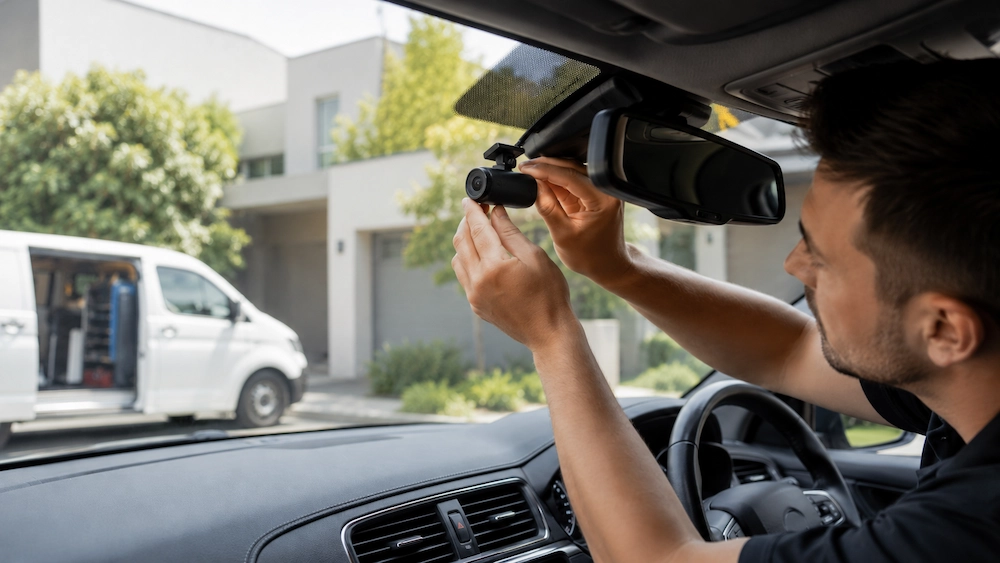
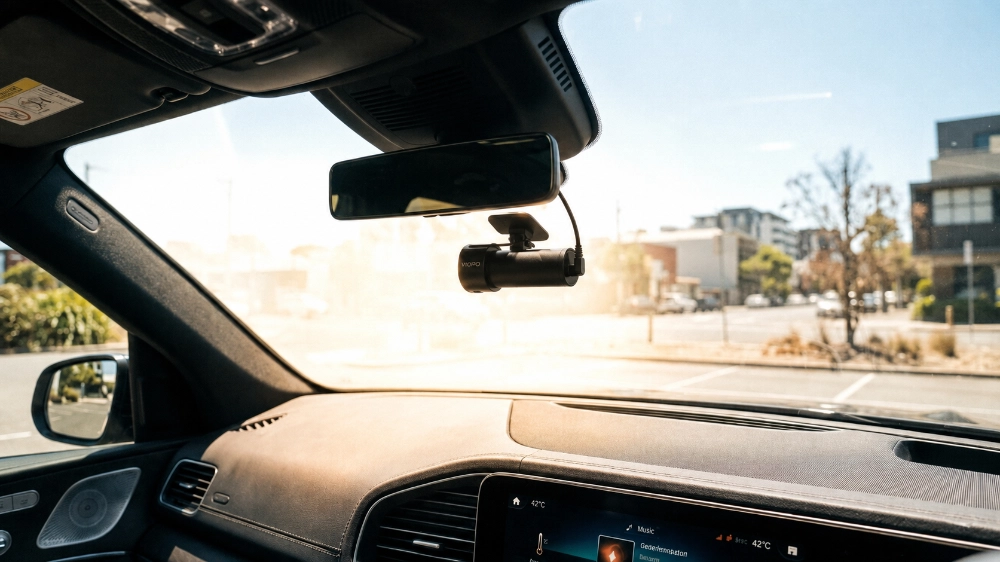
While cleaning, inspect the mount for looseness, movement, or damage caused by age, temperature changes, or accidental knocks. Check front, rear, and cabin camera angles to ensure the footage shows a balanced view of the road rather than too much sky or dashboard.
The most reliable way to confirm positioning is to open a recent recording and review exactly what each lens captures. Adjust the camera if necessary so it provides a clear, useful view from the driver’s perspective.
Dash cams need stable power. Intermittent connections can cause restarts, shutdowns, parking mode failures, or missing recordings. Check accessible plugs and cables for looseness, wear, crushing, or damage, and avoid pulling or repeatedly moving wiring around vehicle trims.
Hardwired installations require extra care because electrical connections are often hidden. If problems persist, professional diagnosis is safer than removing trims or experimenting with vehicle wiring.
One of the simplest and most useful dash cam maintenance habits is to review several recent recordings periodically rather than assuming the system is working correctly. Check:
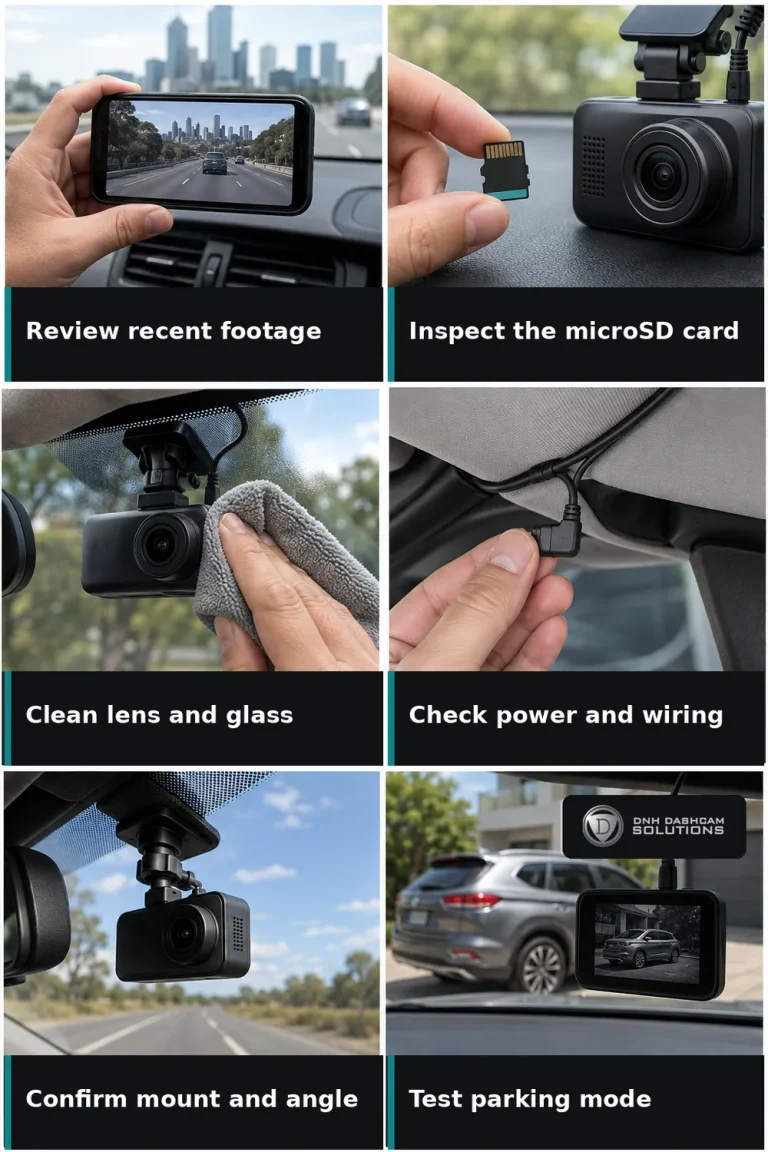
This quick review can reveal developing problems before you need footage from an incident.
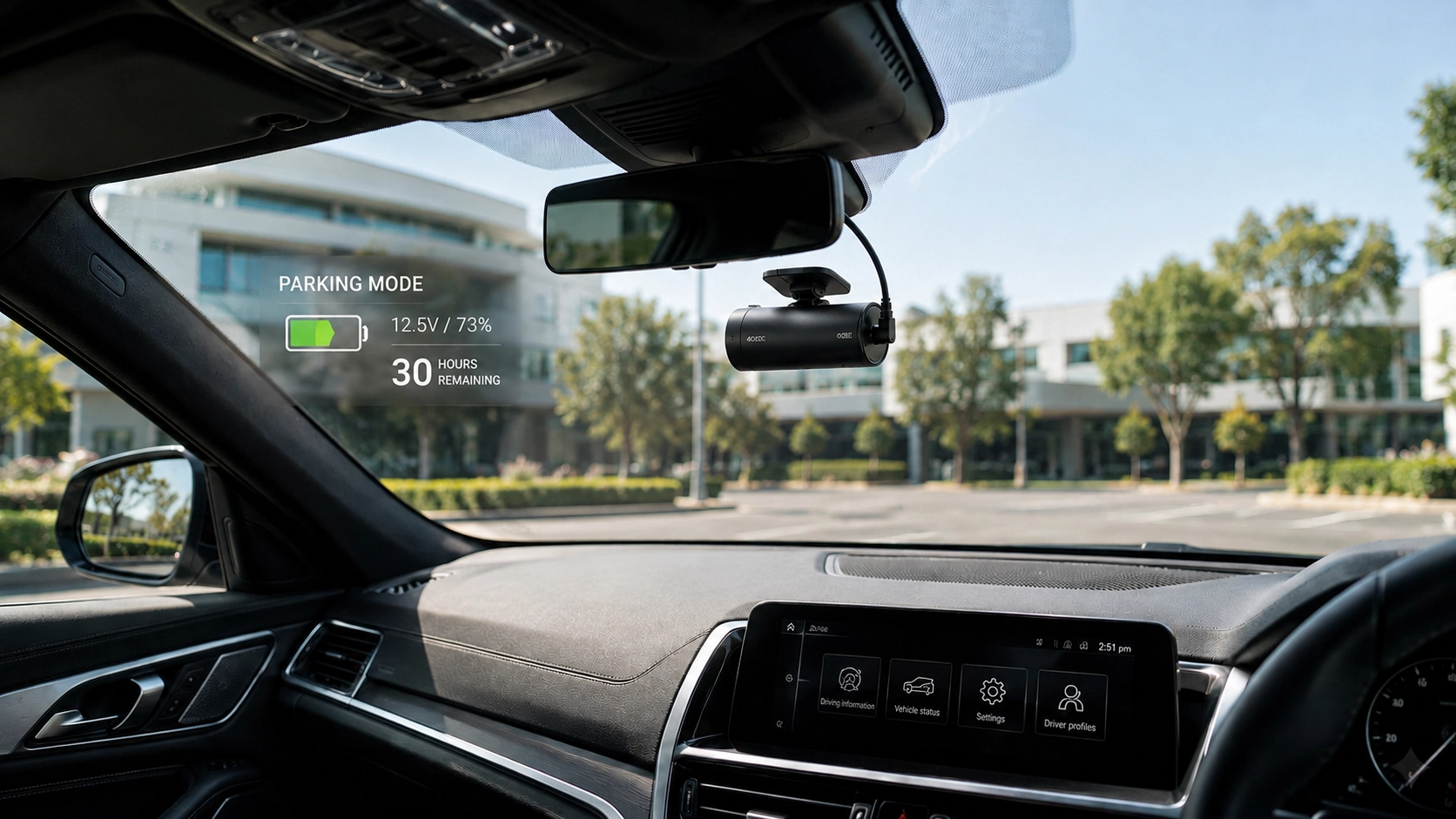
Parking mode protects unattended vehicles, but regularly check its settings, power supply, and performance to ensure reliable incident footage. Parking mode protects unattended vehicles; confirm its activation and recording method after parking to ensure reliable incident footage.
Check later that parking clips were saved and that any hardwire kit, low-voltage protection, or external battery is working correctly. A dash cam can record normally while driving and still have a parking mode problem, so both functions should be tested separately.
Melbourne’s hot vehicle interiors can stress ageing memory cards, loose mounts, worn components, and poorly positioned equipment. Keep the camera uncovered, allow heat to dissipate, and check the manufacturer’s operating temperature limits.
If your dash cam repeatedly shuts down, displays temperature warnings, or behaves unusually in hot weather, do not dismiss it as normal. Persistent overheating may indicate a problem with the camera, memory card, installation, or another part of the system that requires inspection.
Dash cam manufacturers release firmware updates, but installing every new update is not always necessary for your system. Before updating, confirm your model, firmware version, instructions, backups, and stable power.
After the update, check your settings because some cameras may reset preferences such as parking mode, recording resolution, time zone, or audio recording.
A brief health check can catch common problems without requiring monthly vehicle disassembly. Take a few minutes to confirm:
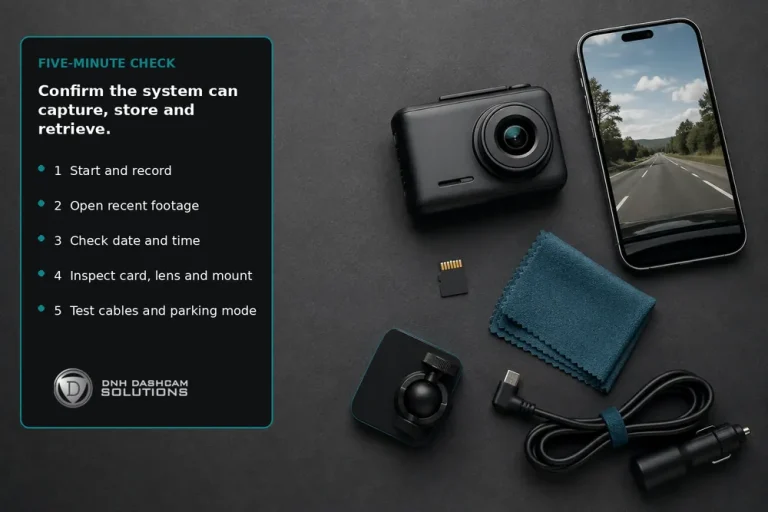
This simple routine focuses on what actually matters: whether the system can capture, store, and retrieve useful footage.
Some problems, including repeated restarts, memory card errors, damaged connectors, disconnections, unreliable power, overheating, poor recordings, or failed parking mode, require professional attention. These symptoms may indicate a hardware or installation fault.
No fixed replacement schedule exists; lifespan depends on usage, heat, component quality, installation, and storage-card wear. Judge performance; seek professional diagnosis or replacement if recording checks repeatedly fail after maintenance.
A complicated maintenance calendar is unnecessary; check the camera when cleaning your vehicle and periodically review recordings for usable footage. A thorough check is essential before trips, card changes, firmware updates, electrical work, warnings, or unexpected restarts.
Always follow the manufacturer’s recommendations for formatting intervals, firmware procedures, storage-card requirements, temperature limits, and model-specific care. The goal is not constant maintenance, but catching small problems before they become important ones.
We help Melbourne drivers install, configure, and troubleshoot dash cams, offering mobile installation and expert camera selection for every vehicle. We provide Melbourne drivers with dash cam installation, hardwiring, parking mode setup, battery installation, and testing.
Working with BlackVue, FineVu, Viofo, Thinkware, and Garmin, DNH Dashcam Solutions delivers clean, reliable installations tailored to each vehicle. With over 25 years’ combined automotive experience, the team creates practical dash cam setups tailored to every driver’s needs.
A dash cam can develop problems without warning. If it restarts, loses recordings, shows memory card errors, or struggles with parking mode, DNH Dashcam Solutions can help restore reliable operation.